
Turn your AI assistant into an earnings research desk
A live, hands-on session on the EarningsWatcher MCP. We connect ChatGPT, Claude and Cursor to our earnings data, then research, chart and automate real earnings trades in plain English, right in front of you.
Free to attend. Every registrant gets the recording.
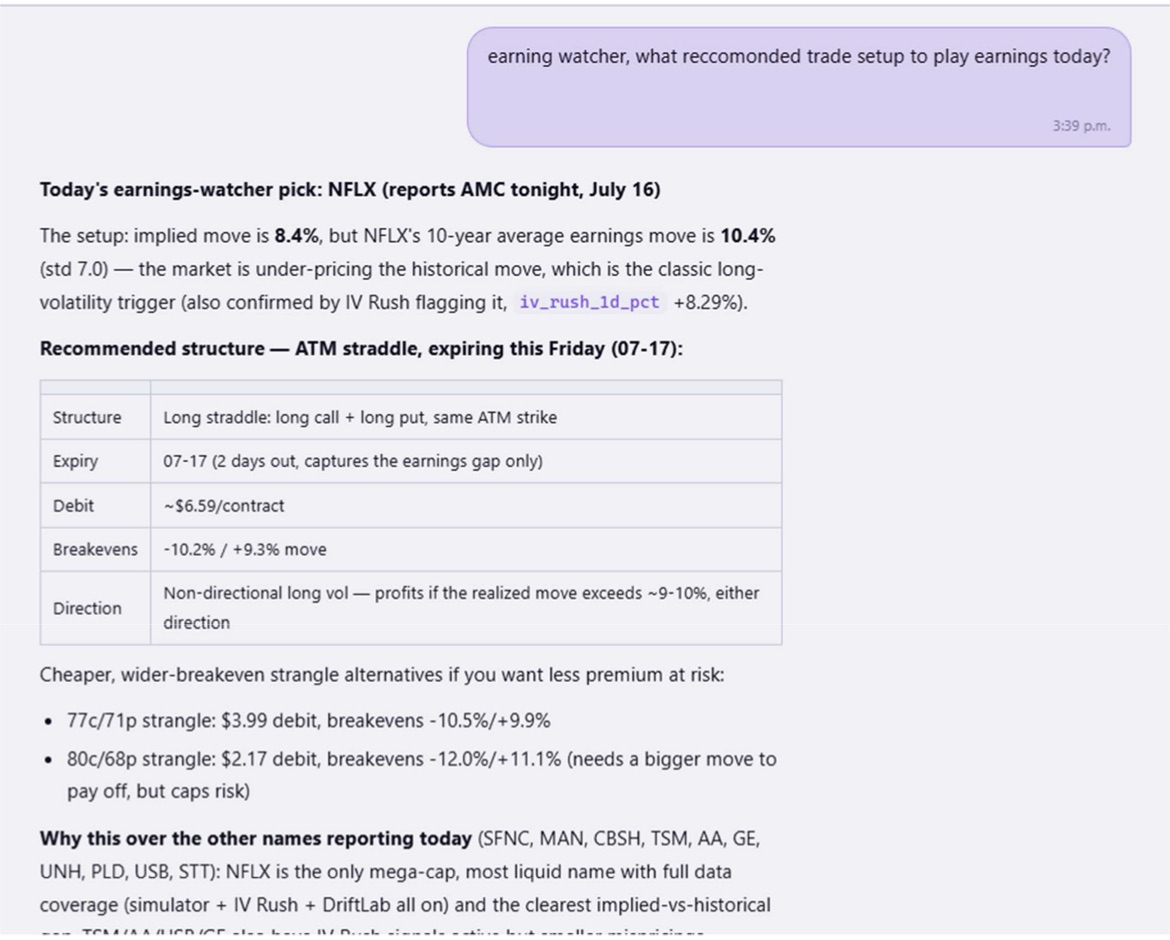
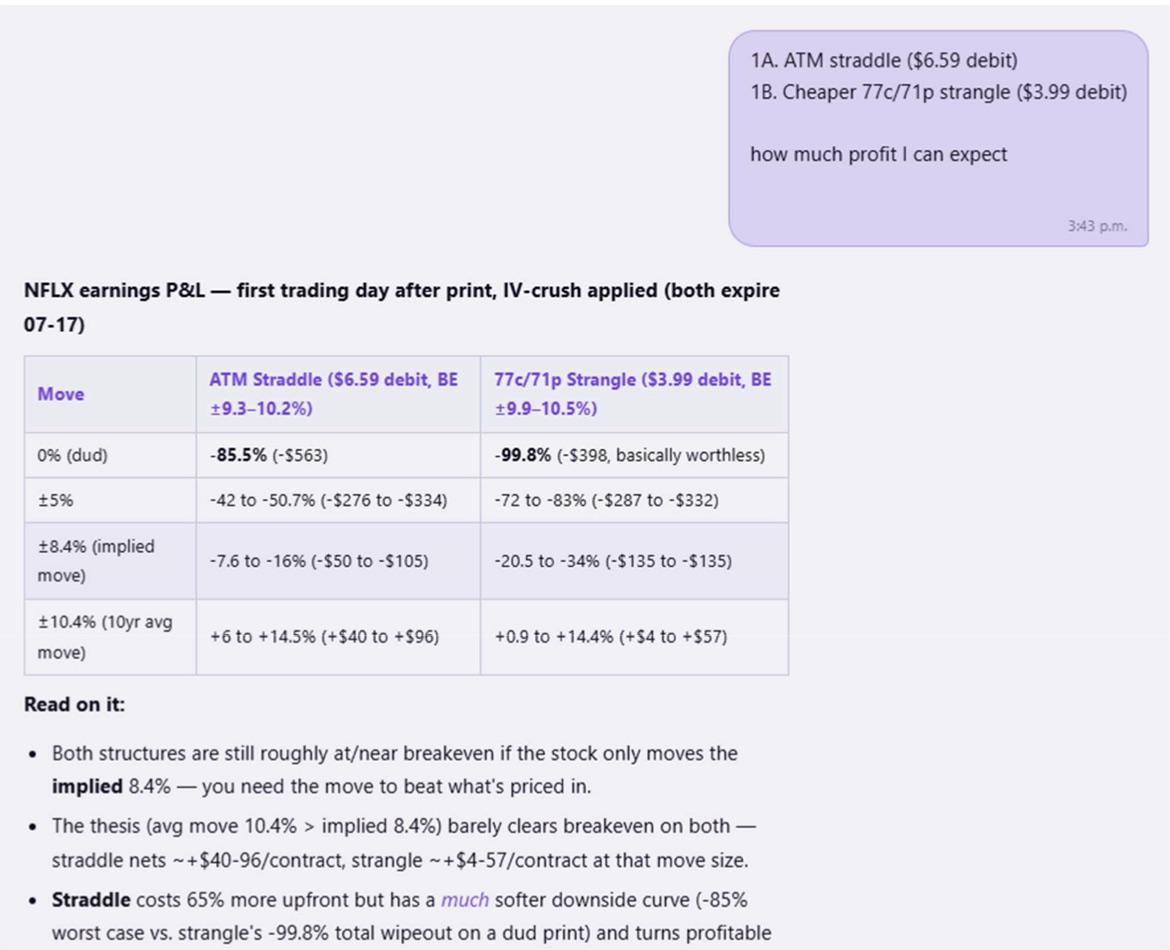
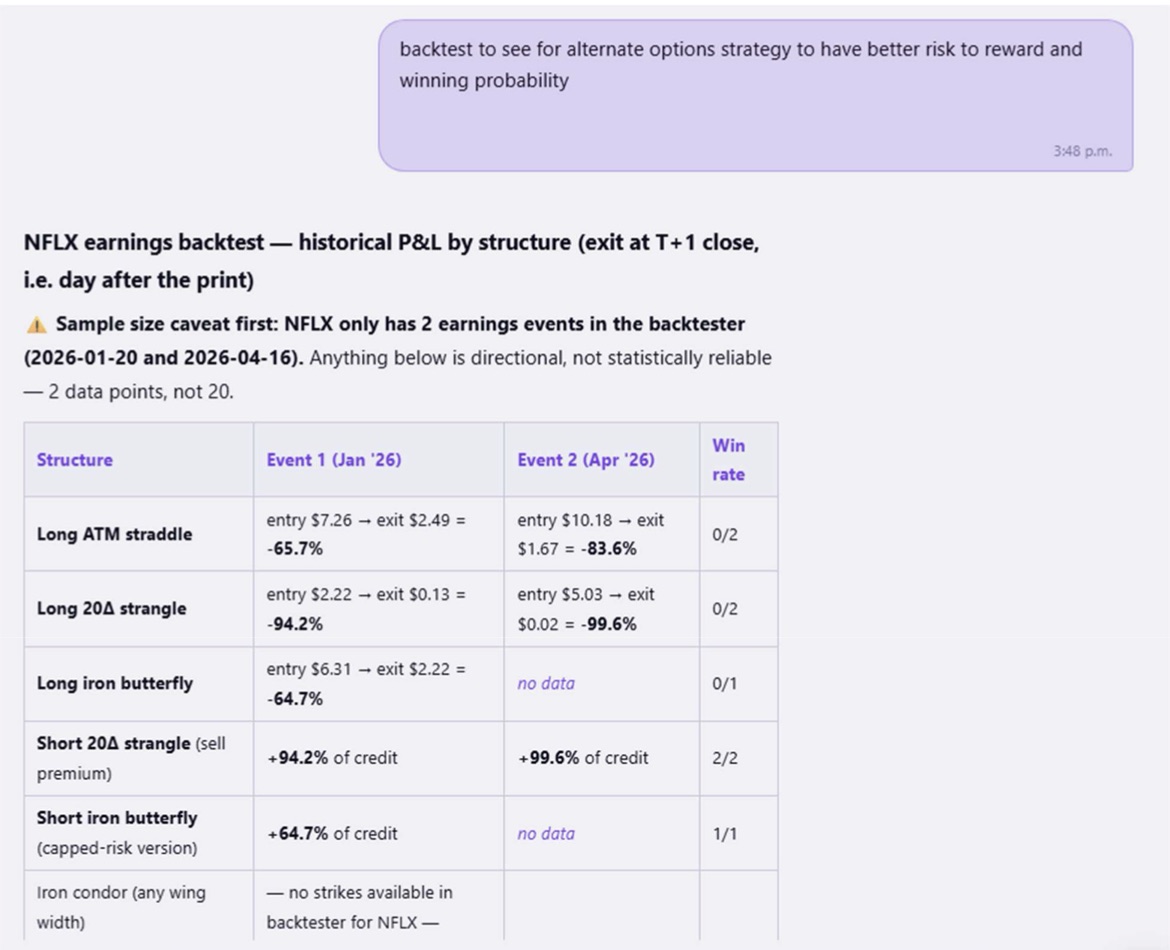
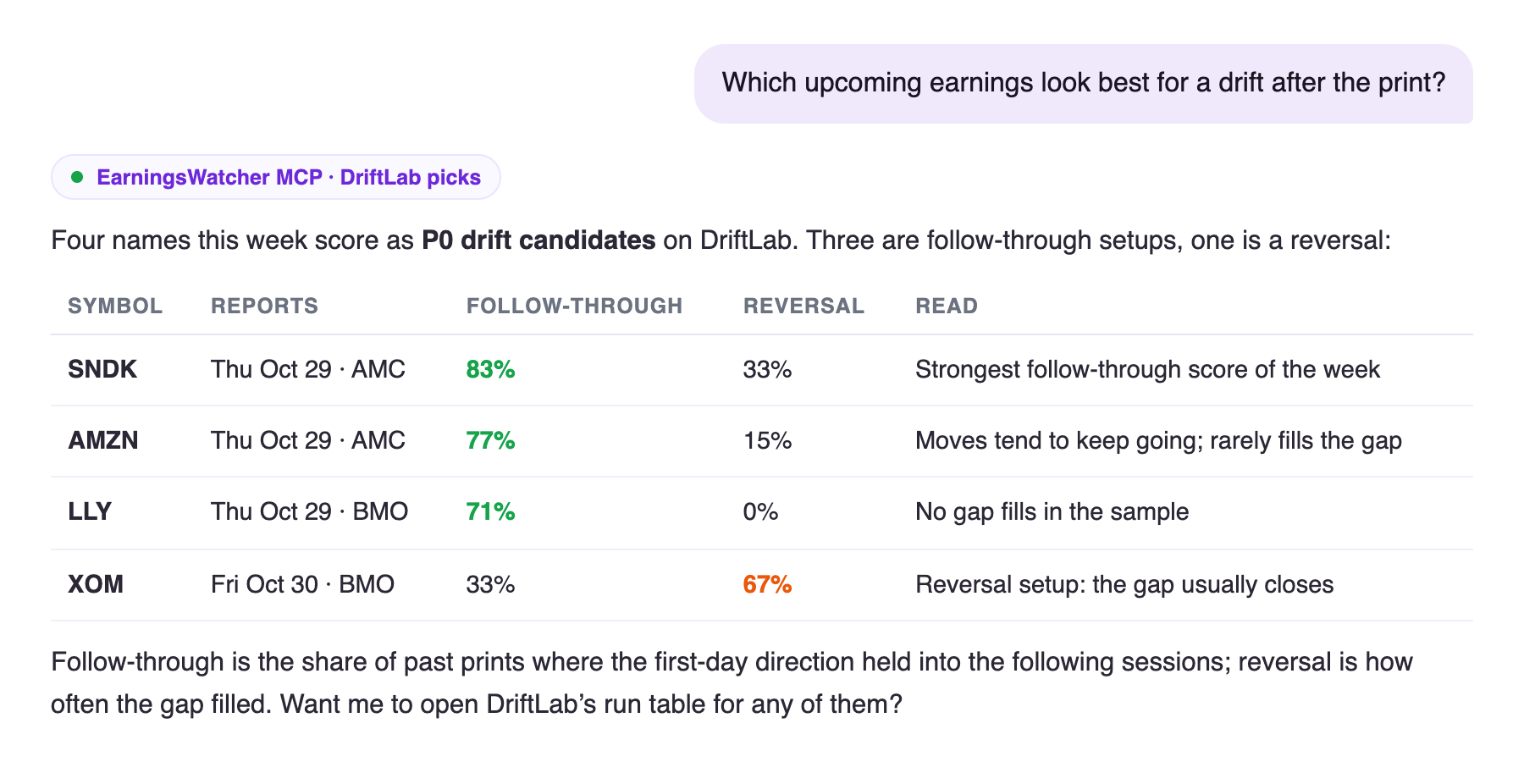
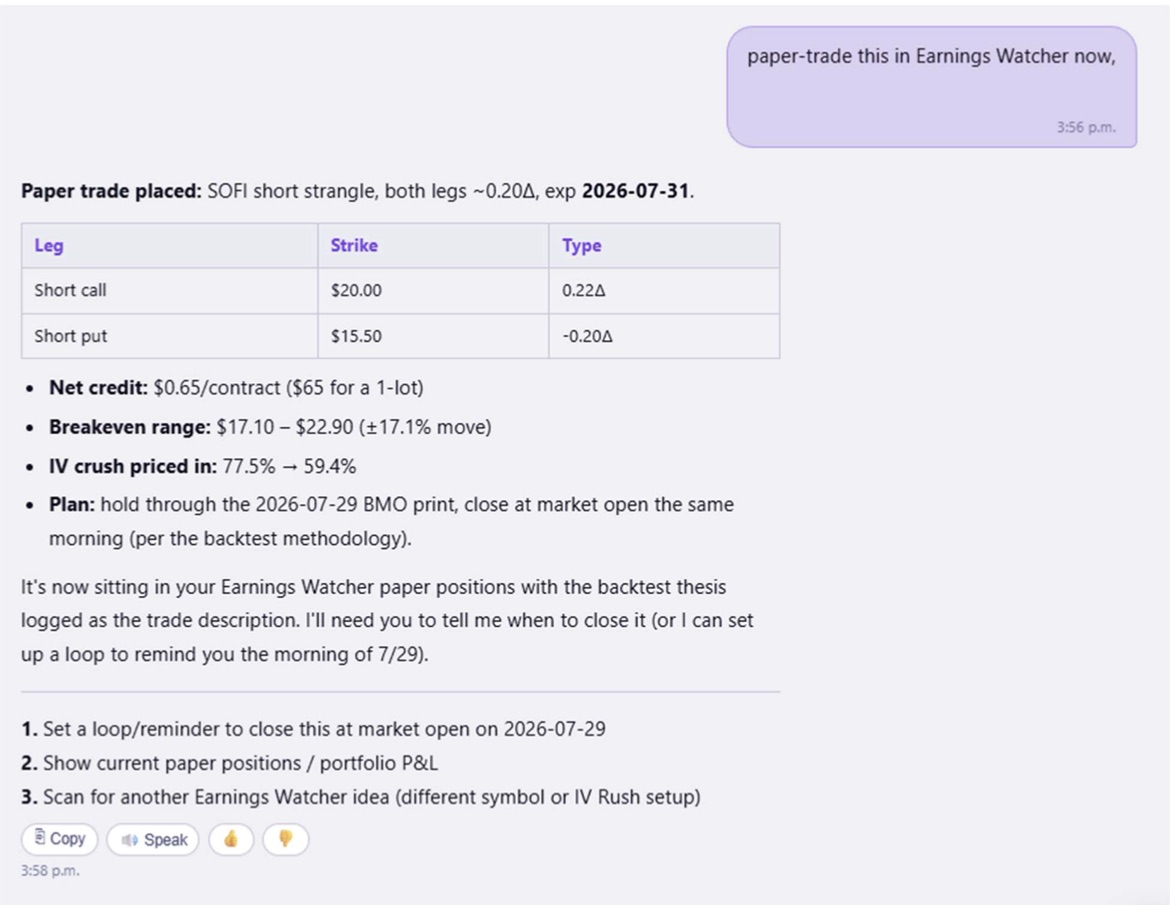
Real chats with the EarningsWatcher MCP, from our member case studies.
From first connection to automated research, in one hour
Six blocks, all live. Every demo runs on real EarningsWatcher data, not slides.
Introduction to the EarningsWatcher MCP
What it is and what's possible: an AI assistant that reads the same implied moves, IV data, move history and backtests our platform runs on, instead of guessing from memory.
Getting started
Connecting the MCP step by step, which AI assistants support it, and the first prompts that show you what it can do.
Real-world research use cases
Earnings patterns, options strategies, backtesting and risk/reward, researched the way an earnings trader actually works a setup.
Custom dashboards & visualizations
Building personalised research tools with natural language: describe the view you want and watch the assistant build it on live data.
Automation & monitoring
Recurring research, market tracking, alerts and workflows, so the work keeps running while you are away from the screen.
Open Q&A
Your questions, your ideas and live experiments. Bring a ticker or a workflow and we will build it together on screen.
One connection, your favourite assistant
We will show the setup in each of these, so you leave knowing exactly how to connect yours.
Questions earnings traders actually ask
General AI gives you quotes and news. Connected to EarningsWatcher, it answers these with data.
How much does JPM usually move on earnings, and what's implied right now?Live implied move against 10 years of realised reactions.
Which names are on the IV rush radar this week?Where implied volatility is building into the print.
Run the scanner for long-volatility setups reporting this week.The platform's own scanner, filtered and explained in chat.
Simulate a straddle on next week's biggest implied move.P&L scenarios before you ever place the trade.
Backtest short-volatility entries on names that rarely beat their implied move.Historical results per quarter from the backtester.
Add the top IV rush name to my watchlist and journal the idea.Read the data, then act on it, without leaving the conversation.
Who it's for
- Earnings traders who want their research done in minutes instead of an evening of tabs.
- AI-curious traders who use ChatGPT or Claude and want answers grounded in real options data.
- Members who have the MCP and want to get far more out of it.
- Builders who want dashboards and automations without writing code.
What you walk away with
- Your assistant connected and a set of first prompts that work.
- Research workflows for earnings patterns, strategies, backtests and risk/reward.
- A personalised dashboard idea you can rebuild on your own watchlist.
- The full recording, sent to every registrant, live or not.
Save your seat for the live session
Free. Register once and we send you the join link, a reminder before we go live, and the recording afterwards.
- 60 minutes, live and hands-on
- Open Q&A with live experiments
- Recording for every registrant
You're in.
We will email your join link before we go live on Tuesday, November 10 at 2:00 PM ET. Add it to your calendar so it doesn't slip.
Good questions, answered
Is the workshop really free?
Do I need to be an EarningsWatcher member?
Which AI assistants does it work with?
Do I need to know how to code?
What if I can't make it live?
Can I bring my own questions?
See your AI work an earnings trade, live
Tuesday, November 10 · 2:00 PM ET · 60 minutes · free